
Buying Guides
Security Cameras Without WiFi: 4 Real Options That Work in 2026
The four real ways to run a security camera without WiFi: PoE with a local NVR, cellular LTE, SD card only, and local WiFi with no internet. See which fits your setup.
Prices, specs, and product URLs are verified as of July 2026 from our own catalog and manufacturer pages. Compiled from catalog-side experience with PoE, cellular, and hybrid setups, plus current data from Reolink, Uniview, and ONVIF documentation. Guide updated: July 22, 2026.
You searched for a security camera that does not need WiFi. There is a reason. WiFi cameras fail all the time. Router reboots, dead spots, ISP outages, cheap chipsets, and if a burglar cuts your internet, your cameras go dark. This guide covers the four legitimate ways to run a security camera without relying on WiFi: PoE with a local NVR, cellular LTE cameras, SD-card-only cameras, and local WiFi without internet. For most homeowners, PoE plus a local NVR is the answer. For remote properties, cellular. Read on to pick the right one for your setup.
Why WiFi cameras fail (and why buyers ask this question)
WiFi is the weakest link in every consumer security camera. If reliability is your priority, WiFi has to go. Here are the specific failure modes buyers hit.
- Router reboots. Cameras drop offline until manual reconnect. Every firmware update, every ISP change is a chance to break the setup.
- Weak signal at install locations. Outdoor eaves, garage corners, and far-side rooms often sit below the -70 dBm threshold where WiFi cameras become unreliable.
- ISP outages. Cameras record nothing during the outage. Cloud clips vanish. Live view is dead.
- Bandwidth congestion. Multiple cameras compete with streaming, gaming, and video calls. Frame rates drop and notifications lag.
- Cheap chipsets. Budget cameras use bottom-tier wireless chips that disconnect randomly and take longer to recover.
- Intruder countermeasures. WiFi jammers cost about $20 online. Cutting the ISP line at the demarcation point disables every WiFi camera at once. Both are documented tactics in planned residential burglaries.
If your priority is reliability that survives outages, jamming, and internet quirks, WiFi is the wrong dependency. Every option below gets rid of it.
The 4 real ways to run cameras without WiFi
| Option | How it works | Best for | Cost |
|---|---|---|---|
| PoE + local NVR | Ethernet cable to a dedicated NVR box | Homeowners with 2+ cameras, wants pro-grade | $$-$$$ |
| Cellular (LTE) cameras | 4G/5G SIM card in the camera | Remote properties, cabins, RVs | $-$$ |
| SD card only | Camera records to onboard SD, no network | Temporary or standalone monitoring | $ |
| Local WiFi (isolated network) | Camera connects to a router with no internet | Advanced users who want app access without internet | $$ |
Note: option 4 technically uses WiFi, but not internet WiFi. Buyers searching for "without WiFi" often mean "without internet dependence." We cover it briefly for completeness.
Option 1: PoE + local NVR (recommended for most buyers)
PoE plus a local NVR is the setup that professional installers use in commercial security, scaled down for home. This is the answer for most homeowners searching for a no-WiFi option.
How it works
- Each camera plugs into an ethernet cable (Cat 5e or Cat 6, outdoor-rated for exterior runs)
- The cable carries both data AND power (Power over Ethernet)
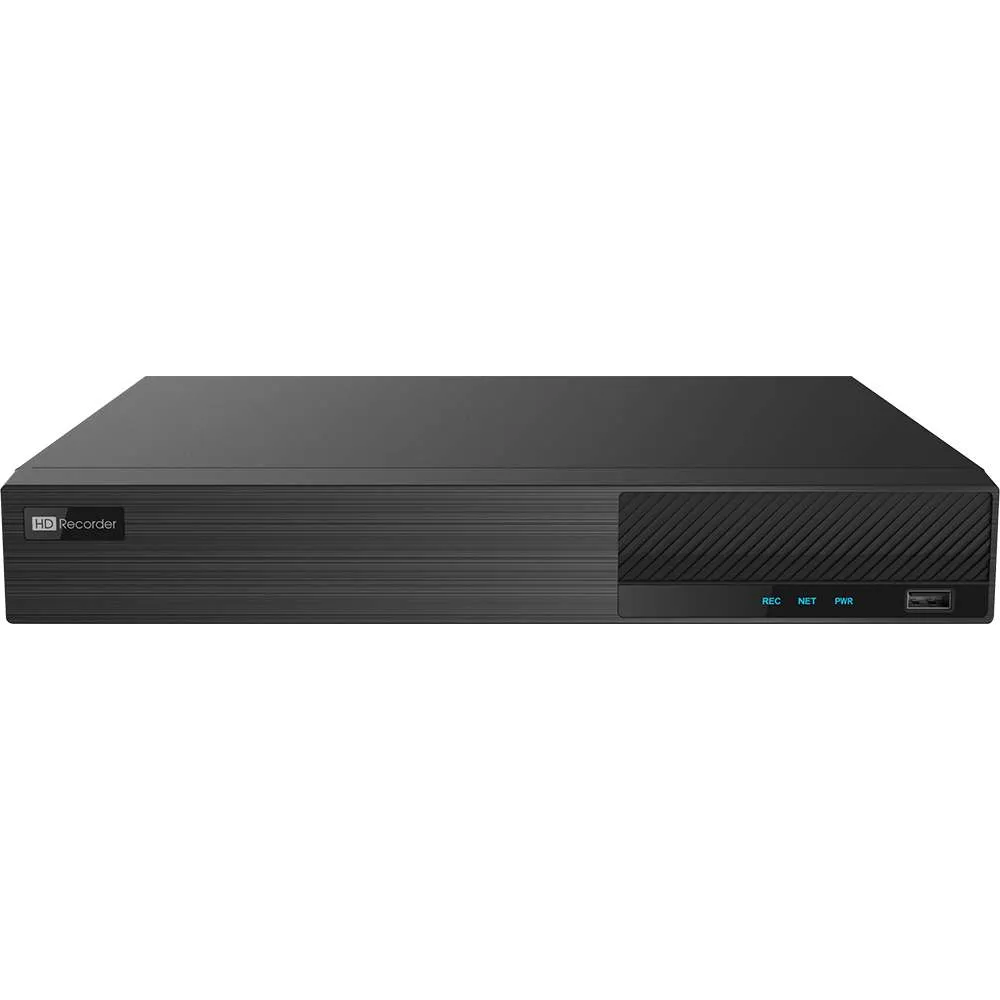
- All cables run to a dedicated NVR (Network Video Recorder) box
- The NVR has a hard drive that stores every clip locally
- Optional: add the NVR to your home network for phone app access; the cameras keep working even if the network is down
Pros
- Rock-solid reliability, no signal drops
- Higher resolution than WiFi cameras (4K is standard)
- No monthly subscription
- Cameras keep working if internet is cut
- Local storage that cannot be wiped remotely
- ONVIF standard means cameras and NVRs from different vendors work together
Cons
- Requires running cable through walls, eaves, or attic
- Higher upfront cost than a single WiFi camera
- More technical setup than plug-and-play
What you actually need
- PoE-compatible NVR with a built-in PoE switch (recommended) or a separate PoE switch/injector
- Cat 5e or Cat 6 ethernet cable (outdoor-rated for exterior runs)
- RJ45 connectors and a crimping tool (or use pre-terminated cables)
- 2 TB hard drive minimum for a typical 4-camera setup
- PoE-compatible cameras (ONVIF Profile S recommended for future NVR flexibility)
The real starter build
For a single-camera setup: the Uniview IPC2128SR3-DPF40 (~$270 as of July 2026) plus the ONVIF ED9304H5NV 4-Channel 2160p NVR (~$700, includes 1 TB hard drive). Total ~$970 for a serious 4K PoE setup with room to add 3 more cameras on the same NVR.
For color night vision at a lower price point per camera, the 4K Vandal Dome SV-VP8-N (~$180) is an alternative first camera with IK10 vandal resistance.
Never wired PoE before? Our security camera installation guide walks through the cable run step by step, including how to drill and seal outdoor entry points.
Option 2: Cellular (LTE) cameras
A cellular camera has a built-in 4G LTE modem and a SIM card slot. Instead of talking to your home WiFi, it uses cellular data to send footage and alerts to your phone. Perfect for locations where you cannot pull ethernet cable or set up WiFi.
How it works
- Camera has a built-in 4G LTE (or 5G on newer models) modem
- Takes a standard SIM card (nano-SIM is most common)
- Records to onboard SD card locally, and uploads clips or notifications via cellular
- Requires a monthly cellular data plan ($5 to $30/mo depending on data usage)
Pros
- Works anywhere with cell signal (remote cabins, RVs, boats, off-grid properties)
- Immune to WiFi jamming and ISP cuts
- Fully independent of your home router
- Some models pair with solar panels for zero-infrastructure operation
Cons
- Monthly cellular subscription is unavoidable
- Data caps limit video resolution and how often clips upload
- Cellular chipsets add to camera cost
- Cell signal quality at the install location decides how well it works (check before you buy)
What you actually need
- Cellular camera with a SIM slot (Reolink Go PT Ultra is the current market standard for consumer use)
- Prepaid or MVNO cellular data plan (Mint Mobile, US Mobile, Twigby, and Reolink's own plans often work)
- High-endurance SD card (128 GB+) for local backup
- Solar panel or long-life battery pack for remote installs without power
The Reolink Go PT Ultra is currently the strongest consumer cellular pick. It runs $380 MSRP (often on sale) and delivers 4K 8 MP, ColorX color night vision, 355° pan and 140° tilt, and comes with a 32 GB microSD (expandable to 128 GB) plus a SIM card. VisionBay does not currently stock cellular cameras. For a custom recommendation or bulk cellular deployment, contact our team.
Option 3: SD card only (no network at all)
The simplest possible option. Camera records to an onboard SD card and never talks to any network. You review footage by pulling the SD card and inserting it into a computer.
How it works
- Camera records everything to an onboard SD card, continuously or on motion
- No network of any kind, no WiFi, no cellular, no ethernet
- To review footage, you eject the SD card and read it on a computer or standalone SD viewer
Pros
- Zero recurring cost
- Zero attack surface (nothing to hack, nothing to jam)
- Simplest possible setup
- Ideal for very sensitive installations (safes, home offices, evidence chains)
Cons
- No live view from your phone
- No notifications, no motion alerts
- Requires physically retrieving the SD card to see footage
- Limited storage: a 128 GB card holds roughly 5 to 14 days of continuous recording depending on resolution
Best for renters who do not want to touch the network, forensic-grade evidence gathering, or cameras in high-risk network environments (co-living, shared rentals). For most homeowners, this is not the primary answer.
Option 4: Local WiFi (no internet)
This one is a technicality. The camera still connects to WiFi, but the WiFi router is NOT connected to the internet. You get app access from inside your home without any cloud dependency.
How it works
- Set up a WiFi router that is not connected to the internet (just powered on)
- Cameras connect to this router
- Your phone connects to the same router when you want to view live footage
- No cloud, no internet, but yes WiFi within your home
Pros
- App access from your phone
- Standard WiFi cameras work
- No monthly cost
- Works during ISP outages
Cons
- Router still consumes power and can fail
- Firmware updates on cameras occasionally require an internet connection
- Not truly "no WiFi" (buyers who reject WiFi on principle will not accept this)
- Range limited to the router's coverage area
Best for advanced DIY users who want the phone-app experience without the internet dependency. Not the right pick for most buyers, but worth knowing about.
Which option is right for you?
Choose PoE + local NVR if:
- You own your home or can install cameras permanently
- You want professional-grade reliability
- You want 4K resolution and multiple cameras
- You want zero monthly costs
Choose cellular if:
- Your property has no wired internet or reliable WiFi
- You are monitoring a remote location (cabin, RV, storage lot)
- You accept a monthly cellular data plan
Choose SD card only if:
- You want the simplest possible setup
- You do not need live view or notifications
- You want maximum privacy (no network attack surface)
Choose local WiFi if:
- You want phone-app access without internet
- You are technical enough to run and maintain a separate router
- You need a portable or temporary setup
For most homeowners: PoE plus a local NVR is the answer. It is the setup professional installers use, scaled to home use. Everything else is a workaround.
What to avoid: WiFi cameras with "no internet needed" claims
Some brands market WiFi cameras as "no WiFi required" but really mean "no cloud subscription required." The camera still needs WiFi to work. Common examples:
- Ring "Local Storage" mode on Ring Alarm Pro base: still uses WiFi, just also stores clips locally
- Wyze "Local mode": still connects to your router, just skips the cloud
- Eufy "Home Base" advertising "no internet": the base station still needs your home WiFi router to reach your phone
If you truly need no-WiFi operation, verify these three things before buying:
- Does the camera have an ethernet port for direct wired operation?
- Does the camera keep working if the WiFi router is unplugged?
- Can you review footage without an internet connection?
If any answer is "no," the camera is a WiFi camera regardless of marketing language.
Frequently asked questions
Do all security cameras need WiFi?
No. PoE cameras use ethernet cables and do not need WiFi. Cellular cameras use 4G/5G. SD-card-only cameras record locally without any network. WiFi is the most common setup because it is cheap and easy, but far from the only option.
Can security cameras work without internet?
Yes, in three ways. PoE cameras with a local NVR record continuously even during internet outages. SD-card cameras record locally regardless of internet. Cellular cameras use cell signal instead of your home internet (some consider that a form of internet, but it is completely independent of your home ISP).
What is the best security camera without WiFi for outside?
For most outdoor installations, a PoE camera like the Uniview IPC2128SR3 paired with a local NVR is the best answer. It is 4K, IP67 weatherproof, and does not depend on any wireless network. For remote outdoor locations without power or wired internet, a Reolink Go PT Ultra cellular camera with a solar panel is the alternative.
How does a security camera connect to your phone without WiFi?
Two paths. Cellular cameras send footage over 4G/5G directly to your phone. Local network cameras (with an isolated router or a PoE + NVR setup) let you connect your phone to the same network to view live feeds. The NVR route works whether or not your home has internet.
Can burglars disable a WiFi security camera?
Yes. WiFi jammers cost $20 to $50 online and can knock cameras offline in seconds. Cutting the ISP cable at the demarcation point disables WiFi cameras. This is a documented tactic in planned burglaries and one of the main reasons buyers switch to PoE or cellular setups.
How much does a PoE security camera system cost?
A single-camera setup (one Uniview IPC2128SR3 plus a 4-channel NVR) runs about $970. A full 4-camera PoE build with cables and hard drive typically lands between $1,200 and $1,700 upfront. Compare that to a 5-year Ring Home Plus subscription at $720 plus $400 for the cameras themselves ($1,120 total). PoE pays for itself and has better cameras.
Do cellular security cameras need a data plan?
Yes. Every cellular camera needs an active SIM card and data plan. Costs range from $5 (light use) to $30 per month (heavy use). Reolink sells its own data plans; MVNO plans from Mint Mobile, US Mobile, or Twigby also work with most cellular cameras. Over 5 years, expect $600 to $1,800 in cellular data costs.
Are PoE cameras better than WiFi cameras?
For reliability and image quality, yes. PoE cameras use the wired ethernet standard that professional security installers rely on. They deliver 4K, do not drop offline, cannot be jammed wirelessly, and work during internet outages. WiFi cameras are cheaper upfront and easier to install, but the reliability trade-off is real. See our best 4K security cameras guide for the strongest PoE picks.
Final recommendation
Here is the decision path in plain terms.
- Homeowner, one camera to start: the Uniview IPC2128SR3 plus the ONVIF ED9304H5NV 4-Channel NVR. Room to add 3 more cameras later.
- Homeowner, color night vision priority: the 4K Vandal Dome SV-VP8-N plus the ONVIF NVR above.
- Remote property, no wired internet: Reolink Go PT Ultra cellular camera with a data plan.
- Renter, temporary or evidence-only recording: a standalone SD-card camera.
- Advanced DIY, app access without internet: local-WiFi router setup (any consumer router, unplugged from ISP).
Browse our full range of security cameras, see the deeper best 4K cameras guide, or contact our team for a custom recommendation based on your home layout.